
Free Software Download Center
Software for industrial data collection, monitoring, and analysis.
EOS SCADA RUNTIME • PROJECT LOADING • USER LOGIN • DATA COLLECTION • DATA ARCHIVING
EOS SCADA Runtime becomes ready to run on the computer after the installation process has been completed. During the first run, the system loads the configured active SCADA project, establishes the runtime environment, and prepares the SCADA functions defined by the project for operation.
At this stage, it is important to distinguish between the user login process performed by the user and the data collection and archiving processes running in the background. While the authorization required to perform SCADA operations through the user interface is established, data collection and archiving functions based on the project settings can be carried out by the system in the background.
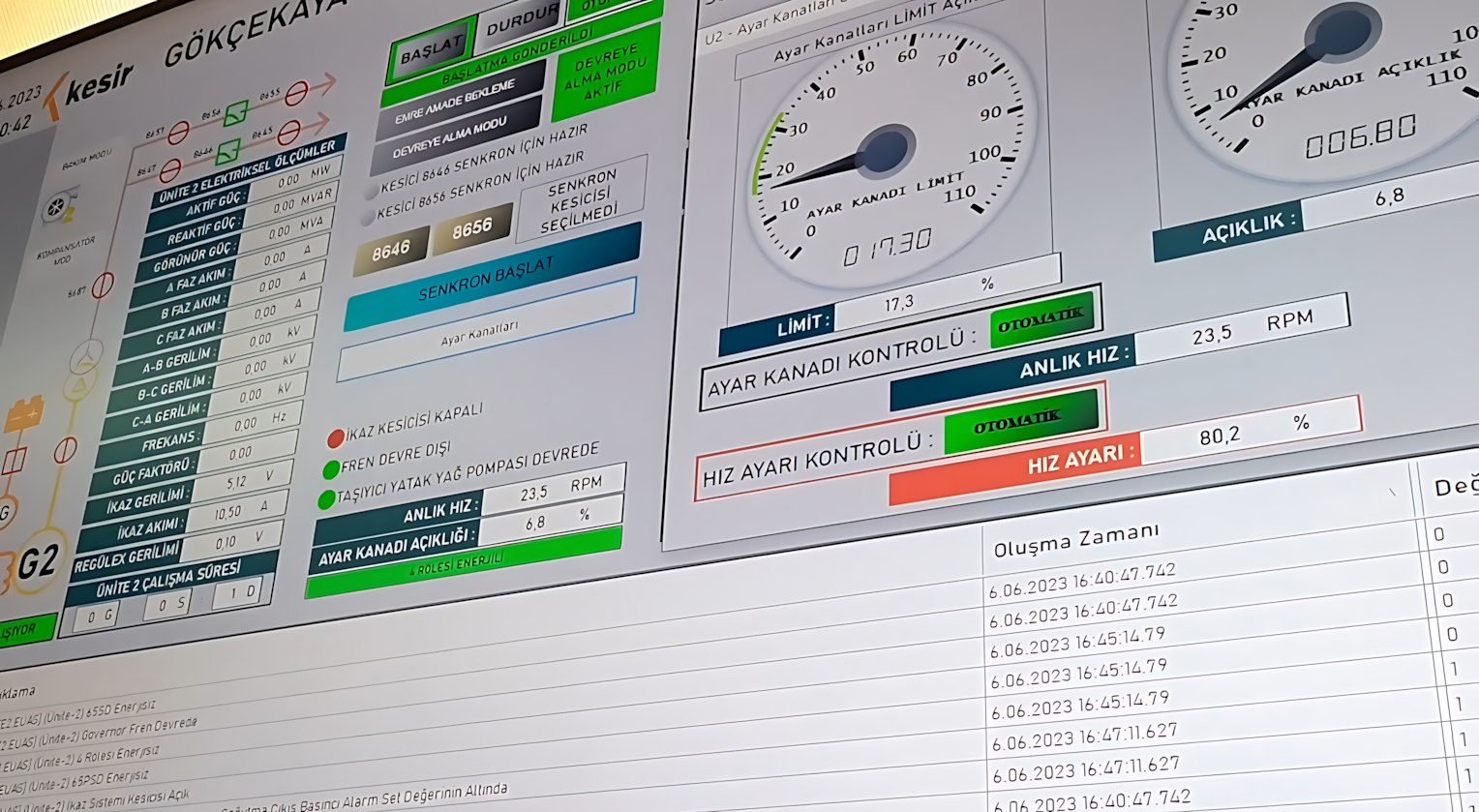
After the EOS SCADA installation is completed, shortcuts that can be used to start the software are created automatically. These shortcuts are available both on the Desktop and in the Application Shortcut Folder.
To start the software:
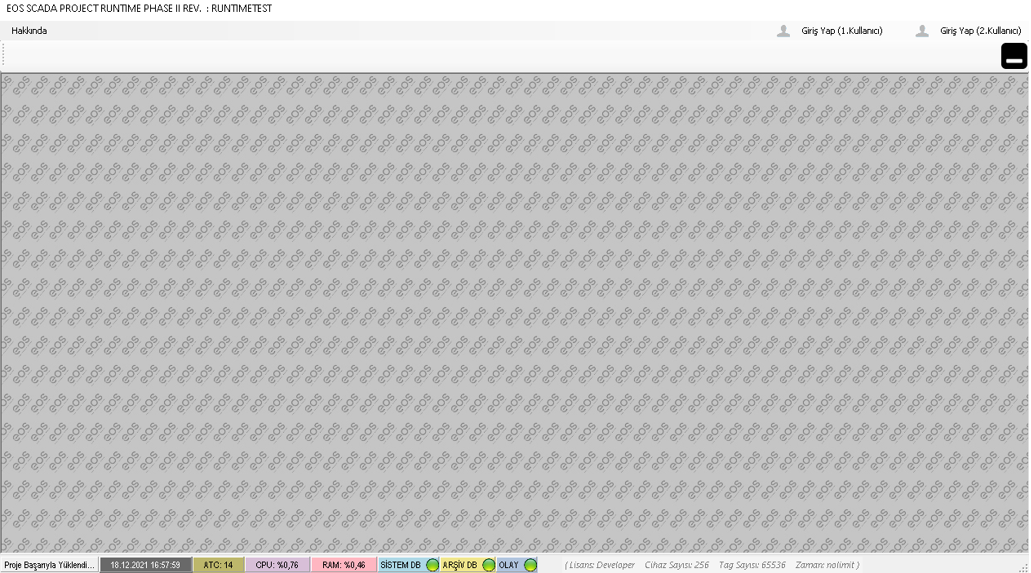
The active project is the primary runtime configuration that determines which devices EOS SCADA Runtime communicates with, which data it collects, which alarms it monitors, and which archiving configuration it uses. Therefore, loading the correct project when Runtime starts is critical to ensuring that the SCADA system operates as expected.
When EOS SCADA Runtime is started for the first time, the required authentication and authorization mechanisms become available so that SCADA operations can be performed through the user interface.
Important: When the software is started for the first time, the user cannot perform SCADA operations until the required login is completed using a Password and/or USB Key.
This structure ensures that only authorized users can access the SCADA system and that operations performed in Runtime are carried out within the security mechanisms defined in the system.
Therefore, opening the software's main workspace and allowing the user to perform operations on the SCADA system are not the same condition. Starting Runtime establishes the project's runtime environment, while user login allows the operator to perform authorized operations on the system.
One of the important features of EOS SCADA Runtime is that operations performed through the user interface can be separated from the SCADA services running in the background.
Depending on the configuration of the SCADA project, data collection and data archiving functions may start running in the background when Runtime is started and may continue to operate.
How it works:
Therefore, when evaluating the system behavior after the first run, it should not be determined solely by whether the Runtime main workspace has opened. The project configuration, data collection status, and archiving status should be evaluated together.
| Operation | Operating Status | Description |
|---|---|---|
| Starting EOS SCADA Runtime | Automatic | Runtime is started through the shortcut and the active project is loaded. |
| Loading the active project | Automatic | The SCADA project configured as active in the system is loaded into the runtime environment. |
| SCADA user operations | Authorization-dependent | SCADA operations cannot be performed until the required login is completed using a Password and/or USB Key. |
| Data collection | Project configuration-dependent | Data collection may start running in the background according to the data collection structure defined in the project. |
| Data archiving | Project configuration-dependent | If archiving is configured, the transfer of collected data to the relevant archive structure continues in the background. |
Free Software Download Center
Software for industrial data collection, monitoring, and analysis.

Technical Support
Software documentation, sample code, and practical technical information.
You can contact us regarding EOS software, technical documentation, or industrial data communication.